How to Edit Your Crontab Using Vim
November 21, 2017
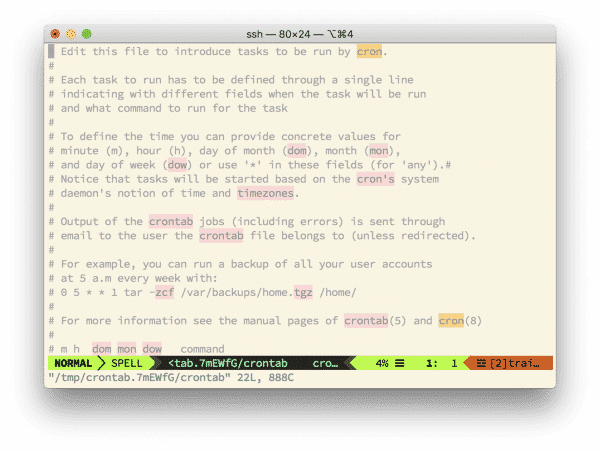
If you’re a vim user like I am > and you run crontab -e and get dropped into nano, you’re likely to make the same face as a baby eating a lemon.

A baby eating a lemon
Not fun, but there’s a fix.
Update your shell configuration file (.bashrc, .zshrc, .profile, whatever), to include the following:
alias crontab="export VISUAL=vim; crontab"
Then you can simply run the command normally to edit your crontab with vim.
crontab -e
No more nano, and good riddance.