How to Record a Table Tennis Workout Using the Apple Watch
November 7, 2017
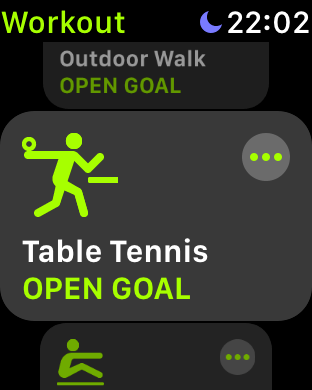
The table tennis option on Apple Watch
I’m an Apple Watch user who loves table tennis, and merging these two is not super intuitive. When you first start the Workout app there is no table tennis option available. Here’s how to make the app more table tennis friendly.
Start a workout type of "Other".
Play table tennis like normal.
When you finish your workout, end it and then choose the "Name Workout" option.
Select the table tennis option.
You will now have a workout saved as table tennis.
Once you do this once or twice, when you go to do a workout the next time you’ll see the table tennis option available to you as a top choice, so you can select it just like one of the more common workout types.
Enjoy!