Using Custom Searches in Safari (in 2022)
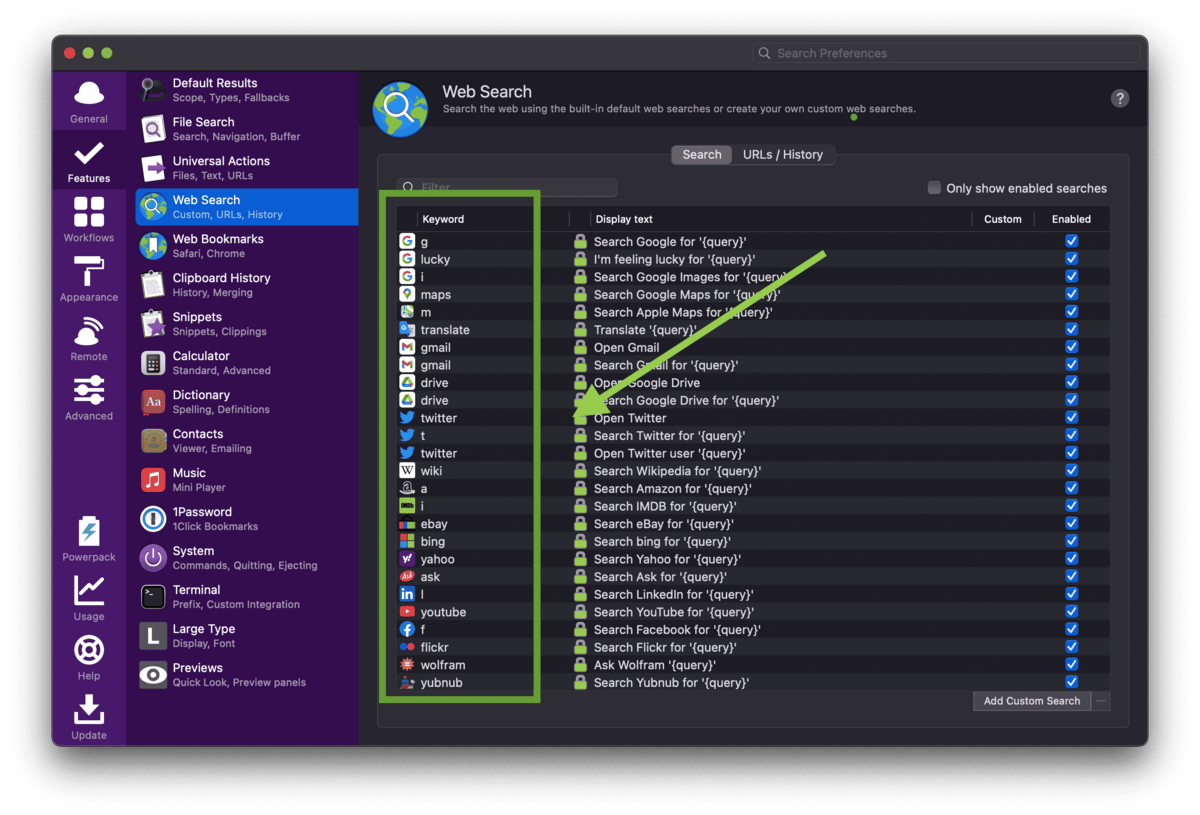
I’ve just started using Safari again after being on Chrome for a while, and one of the things I miss most from Chrome is custom searches.
There you can search Amazon directly from the address bar by doing:
You can change the search prompts to be single letters like ‘a’ for Amazon.
a tv lightstrips
At the time of writing (September 2022) there isn’t any way to do this in Safari. You can do this, but it’s too much typing:
amazon.com tv lightstrips
Alfred is like Quicksilver, Omnikey, and Spotlight all in one.
The best solution I’ve found is to just use Alfred, which is great since I use it already for text expansion and many other tasks.
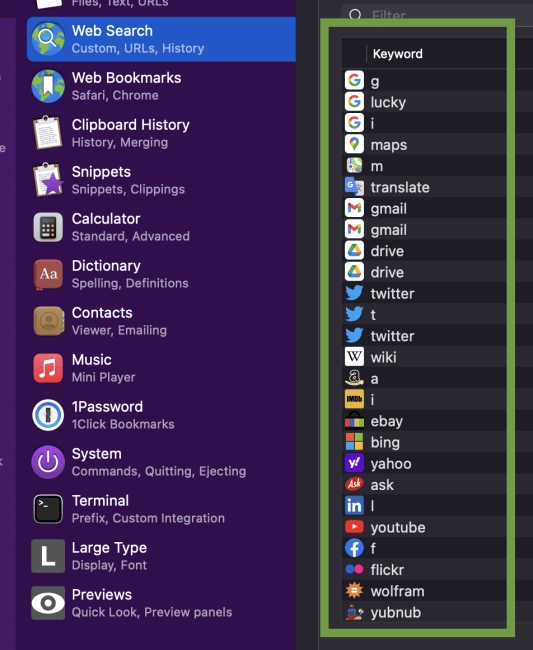
The custom search options in Alfred
As you can see in the screenshot, there’s an entire Web Search section in Alfred that lets you set custom search engines. So you just go into there and set your trigger letter for each, and you’re good to go.

After invoking Alfred and the Amazon search prefix
Then you just hit ⌘ + SPACE to invoke Alfred, and then type a tv lightstrips to search on Amazon.
Your query will be opened automatically in a new tab in Safari.
Hope that helps you!