Responsive Design Mode in Safari

January 9, 2017
screen-shot-2017-01-09-at-10.08.10-pm-e1484028644455

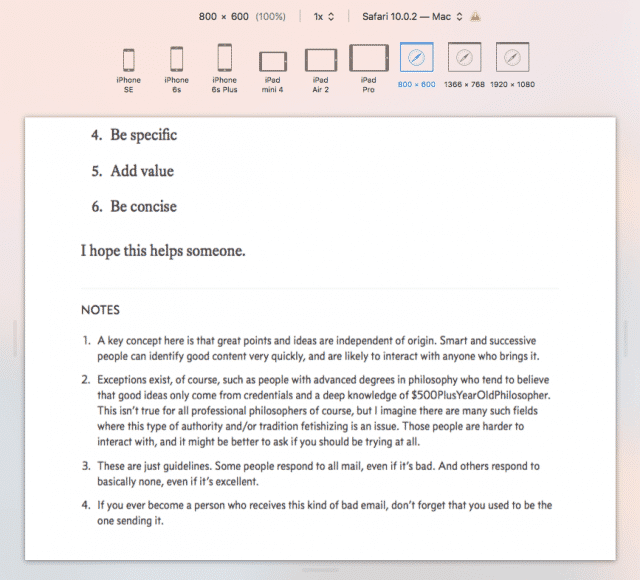
I was clearing my cache and refreshing a page and accidentally hit an unintended key a moment ago and got the image above.

Turns out Safari has a responsive design mode built in.

ctrl–⌘–R

Giving that keyboard shortcut from the Develop menu (which you need to enable in Safari settings), will give you a view like that above.

supporting = loving

Since 1999 I've been creating ad-free technical tutorials and essays here. It's a one-person effort that's also my life and livelihood. If it makes your day more livable in any way, please consider supporting the work with a monthly or one-time donation. Your support means a lot to me, and makes all the difference. 🫶🏼