How to Manage a Cisco Device via Console Using a USB Port in OS X
December 15, 2009
Problem: you need to manage a Cisco device via console, but the only box you have available is your non-macpro-mac, i.e. you don’t have a console port available. Solution: manage it via USB.
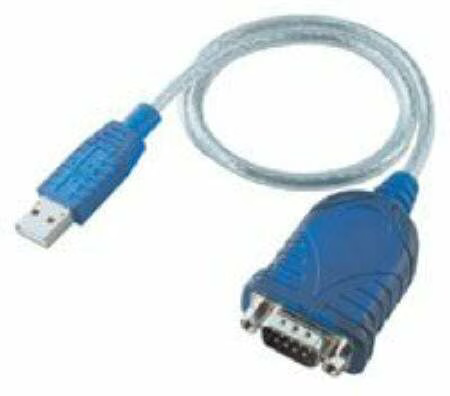
Step 1: Procure a USB to Console Cable
It should look something like this. You can get them most anywhere.
Step 2: Download and Install the Driver
Here > is the project, and here > is the download link.
Step 3: Find the Port On Your System
ls /dev/tty.
One will have a name starting with PL. That’s your guy.
Step 4: Connect Using Screen
Now you just connect to it (think of this step as using Hyperterminal in Windows)–the only difference is here you’re using screen, giving it the terminal to connect to, and the speed (9600).
screen /dev/tty.PLXXXX-XXXXXXX 9600
Boom, you’re in. ::