Getting IP Location Information in Wireshark
June 28, 2009
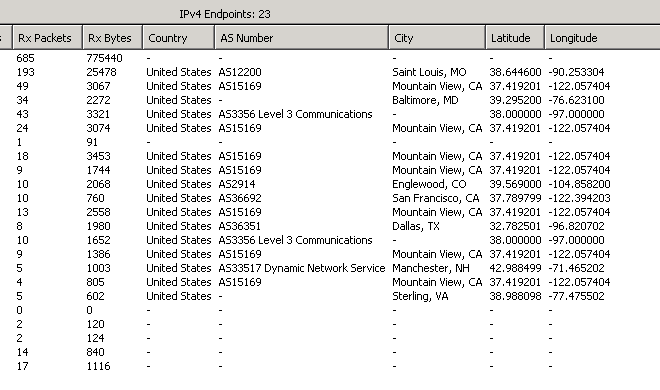
Laura Chappell just posted a great tutorial on getting GeoIP working with the new version of Wireshark (1.2). I set it up myself recently and it only took a couple of minutes.
Abridged Instructions
Download the GeoIP (Lite) database files for country, city, and ASN.
Decompress them to a permanent directory on your hard drive.
Go to Wireshark’s preferences and click on the Location menu.
Add the location you created in step 2.
Restart Wireshark if it’s already running.
Once you’re capturing, got to Statistics -> Endpoints -> IPv4
Become happy.
Yes, extremely cool stuff.